
Introduction :
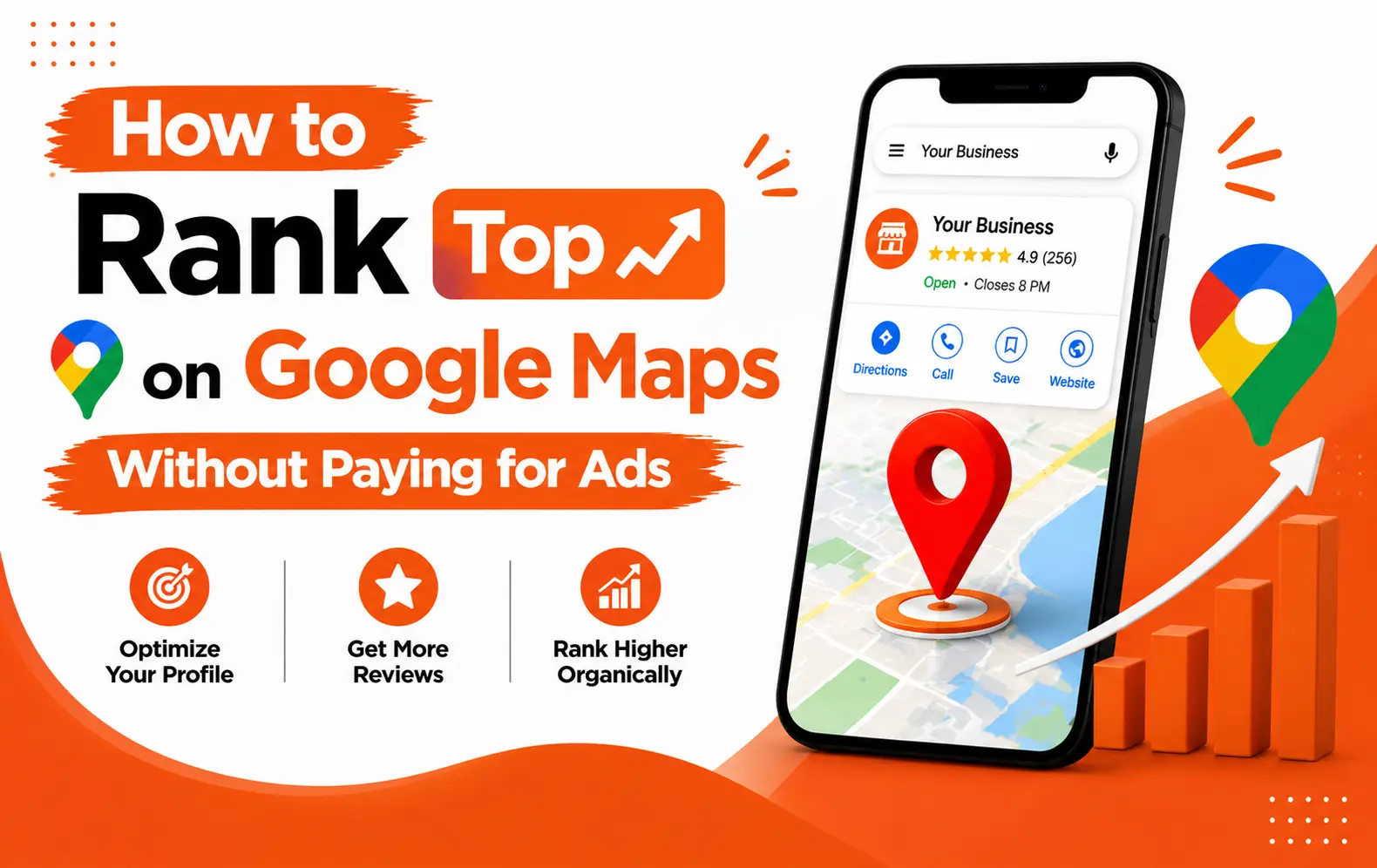
If your business is not showing up on Google Maps in 2026, you are losing customers to your competitors every single day.
With over 5 billion searches happening on Google daily, local search has become one of the most powerful ways for customers to discover businesses near them. Whether someone is searching for the best digital marketing agency near them or a top restaurant in their city, Google Maps is the first place they look.
At DigitalArp, we help businesses of all sizes dominate local search and Google Maps rankings. In this guide, we will walk you through exactly what it takes to rank higher on Google Maps in 2026, step by step.
What Is Google Maps Ranking and Why Does It Matter?
Google Maps ranking refers to how high your business appears in the local Map Pack the box of three business listings that shows up at the top of Google search results for local queries.
Businesses that appear in the Map Pack get significantly more clicks, calls, and foot traffic than those buried below. In 2026, with competition fiercer than ever, securing a spot in that top three is not optional. It is essential.
Google uses three main factors to determine local rankings :
Relevance: How well your business matches what the user is searching for.
- Distance: How close your business is to the searcher's location.
- Prominence: How well-known and trusted your business is online.
Step 1: Claim and Fully Optimize Your Google Business Profile
Your Google Business Profile is the foundation of your Google Maps presence. If you have not claimed it yet, that is your first priority.
Once claimed, here is what DigitalArp recommends you optimize:
Business Name: Use your exact real business name without stuffing keywords into it.
Category: Choose the most accurate primary category and add secondary categories where relevant.
Address and Phone Number: Make sure your NAP is consistent
across the web.
Business Hours: Keep these updated, especially during holidays.
Description: Write a keyword-rich description that clearly explains what you do.
Photos and Videos: Upload high-quality images of your location, team, products, and services.
Website Link: Always link to your official website.
An incomplete profile is one of the biggest reasons businesses fail to rank on Google Maps in 2026. Fill every single field.Reviews are one of the strongest local ranking signals in 2026. Google looks at both the number and quality of your reviews.
Ask every happy customer to leave a review and make it a habit after every sale or service.
Reply to every review, whether positive or negative — it shows Google you are an active business.
Share your Google review link directly via WhatsApp, email, or SMS to make the process easy.
Never buy fake reviews — Google's algorithm in 2026 is sophisticated enough to detect and penalize this.
At DigitalArp, we have seen businesses move into the top three of the Map Pack simply by consistently generating genuine reviews over 60 days.Step 3: Build Local Citations
A local citation is any online mention of your business name, address, and phone number. Citations on trusted directories signal to Google that your business is legitimate and well-established.
In 2026, make sure your business is listed on:
| Platform | Type |
| Justdial | Local Directory |
| Sulekha | Local Directory |
| IndiaMART | B2B Directory |
| Yellow Pages | Business Directory |
| Bing Places | Search Engine |
| Apple Maps | Maps Platform |
| Facebook Business Page | Social Platform |
Your name, address, and phone number must be identical everywhere. Even a small inconsistency can hurt your rankings.
Step 4: Add Local Keywords to Your Website
Google Maps ranking is not just about your Business Profile. Your website plays a major role too.
Include your city and area name naturally within your homepage content.
Add a dedicated location page if you serve multiple areas.
Use LocalBusiness schema markup in your website's code.
Place your NAP in the footer of every page.
Publish locally relevant blog content that targets local search queries.
DigitalArp always pairs Google Maps optimization with on-page SEO for maximum impact — the two work together, not in isolation.Step 5: Use Google Posts Regularly
Google Posts are short updates about offers, events, or news that appear directly on your Business Profile. Posting regularly signals to Google that your profile is active and relevant.
In 2026, aim to publish at least two Google Posts per week. Keep them short, include a relevant keyword, and always add a call to action such as Call Now, Book, or Learn More.
Step 6: Add Products and Services to Your
Profile
Many businesses overlook the Products and Services section of their Google Business Profile and this is a missed opportunity.
Why This Matters
Adding detailed service listings with descriptions and keywords helps Google understand exactly what you offer. This improves your relevance score and helps you appear for more specific searches that your ideal customers are already making.
How Long Does It Take to Rank on Google
Maps?
| Business Type | Expected Timeline |
| New Business
(no reviews, incomplete profile) | 3 – 6 months of consistent effort |
| Established Business (needs better optimization) | 4 – 8 weeks for meaningful improvement |